Stringz
A downloadable tool
***ANDROID ONLY ***
Point your phone at a sign, a menu, a page, a screen or a label, and Stringz pulls the words out into an editable text box, ready to copy and paste anywhere. It works with the live camera, with photos and with videos.
**Private by design.** Text is read on your phone. Nothing is uploaded, there are no ads and there's no account.
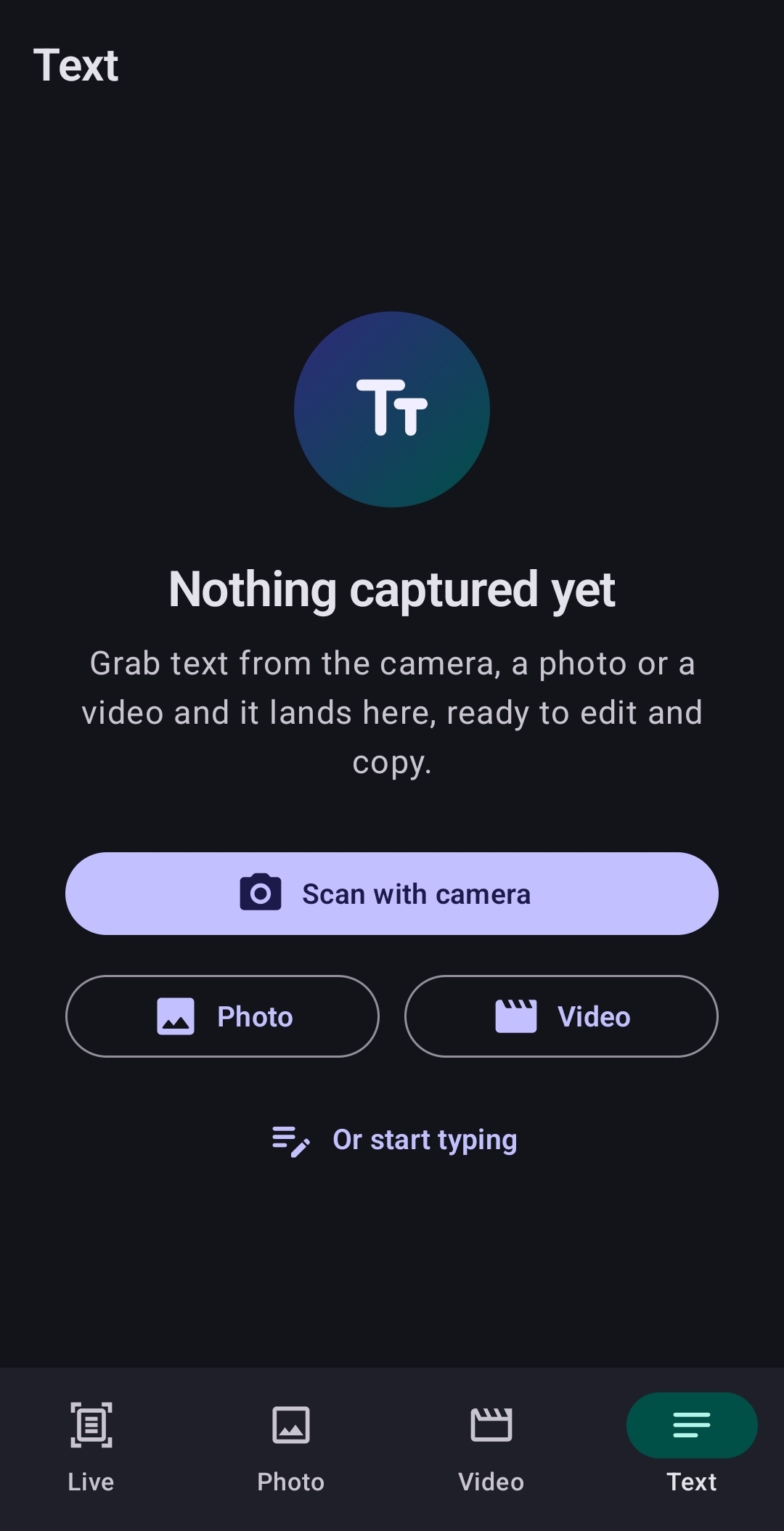
### Features
- **Live camera scanning.** Boxes appear around text in real time, and you grab it with one tap. Pinch to zoom, tap to focus, and turn on the flashlight in dim light.
- **Photos.** Read text from any picture in your gallery, or take a new one.
- **Videos.** Scrub to the exact frame you need, or sweep the whole clip to collect every line that appears. Repeated lines are removed.
- **Drag to select.** Draw a box around exactly the words you want, then move or resize it. You can also tap whole blocks of text to pick them.
- **Built-in editor.** Fix and tidy the text, see word, line and character counts, then copy all of it or just a selection.
- **Quick clean-up.** One tap joins lines that wrapped mid-sentence, and another tidies extra spaces.
- **Share into Stringz.** Share a photo or video from any app, and Stringz opens it ready to read.
- Light and dark themes, and a clean Material You design.
### How to use
1. **Live:** Open the Live tab and point your camera at text. Tap **Grab text** to send it to the editor, or tap **Pause** to freeze the picture first.
2. **Photo:** Open the Photo tab and choose a picture or take one. Tap **Use all text**, or pick just what you want first.
3. **Video:** Open the Video tab and choose a video. Drag the slider to a moment and tap **This frame**, or tap **Whole video** to scan all of it.
4. **Pick just what you want:** Tap highlighted blocks to select them. Or drag your finger to draw a box, then drag inside it to move it or drag a corner to resize it.
5. **Copy:** Your text lands in the Text tab. Edit it if you like, then tap **Copy to clipboard**.
Tap the **ⓘ** button on any screen for the full guide inside the app.
### Install (Android 9 or newer)
1. Download the `.apk` file on your Android phone.
2. Open it from your notifications, or from your Downloads or Files app.
3. If Android asks, allow your browser or file manager to **install unknown apps**.
4. Tap **Install**. If Google Play Protect shows a warning, tap **More details**, then **Install anyway**. This happens because the app isn't from the Play Store.
5. Open Stringz and allow camera access.
To update, install the new version over the old one.
### Tips for the best results
- Use good, even light, or turn on the flashlight.
- Hold steady and fill the screen with the text you want.
- Keep the page as flat and straight-on as you can.
- Stringz reads Latin-alphabet languages such as English, Spanish, French, German and Italian.
*Text recognition is powered by Google ML Kit and runs entirely on your device.*
Download
Click download now to get access to the following files: